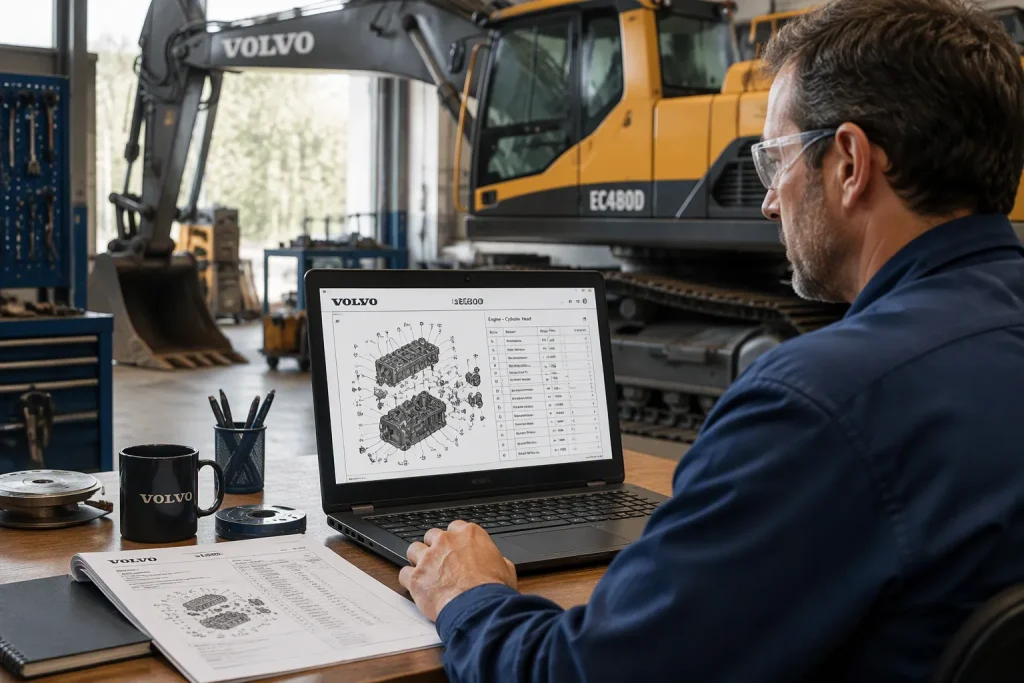
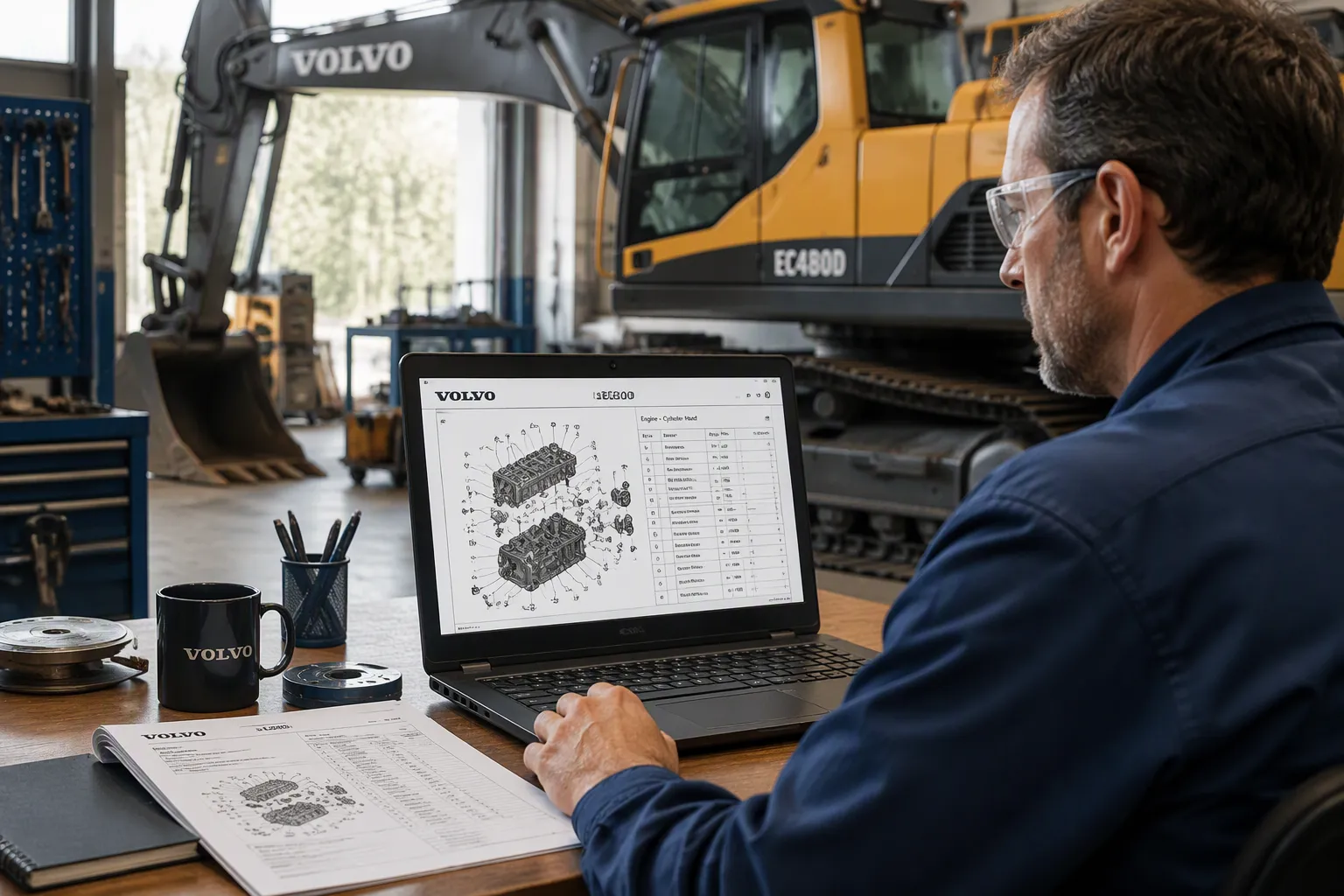
You can find Volvo excavator parts ec480d documents in three places. These are the paperwork that comes with your machine, the official Volvo dealer channel, and trusted aftermarket specialists that offer parts catalog manuals. Each source gives you the same two reference tools. Exploded diagrams show how parts fit together. The numbered parts list gives you the part numbers, descriptions, and quantities behind every callout.
A good parts catalog manual puts both tools side by side. This lets you trace a part from the drawing straight to its entry. This post shows you how to read and use both. You’ll learn where the diagrams come from, how the catalog organizes its parts, and how to confirm the right part before you order.
Key Takeaways
Get parts documents from your machine’s paperwork, a Volvo dealer, or trusted aftermarket specialists.
Use exploded diagrams and numbered parts lists together to find the right part.
Always compare your machine’s serial number with the serial range in the catalog before you order.
Use the part number when you order, not the description, so you don’t make a mistake.
Follow a step-by-step routine: find the callout, match it to the list, and check the part number.
Finding Volvo Excavator Parts EC480D Documentation
Official Volvo Sources
Check the documentation supplied with the machine, then ask an authorized construction equipment dealer for the applicable parts publication if needed. Do not assume the original packet includes a complete parts catalog. Provide the full machine and relevant component identification and confirm publication coverage and revision.
Read the actual catalog’s model, serial-range and configuration coverage. Do not assume a range copied from a different EC480D, EC480DL or other variant applies to your machine. Confirm unclear identification or documentation with qualified support.
Use the publication’s identification and applicability instructions where provided. Symbols, option codes and navigation differ between editions. Consult the actual legend and notes rather than assuming every catalog contains the same keys.
Aftermarket and PDF Parts Catalog Manuals
A documentation provider may offer a printed or digital catalog. Confirm its source, publication identification, completeness, coverage and access terms before obtaining it. Do not assume a free download or a listed model name establishes that the material is complete and applicable.
One caution: not every download is a true parts catalog manual. A scanned page with no plate data is a red flag. Ask the supplier how they source their pdf parts catalog manuals. Compare two parts catalog manuals before you trust either. Suppliers who sell parts catalog manuals often post sample pages. Read those pages before you download. Ask whether their parts catalog manuals list serial breaks. A matching parts catalog pairs diagrams with numbered lists, so you can spot gaps fast. A reliable supplier answers coverage questions in plain terms. Vague replies tell you to look elsewhere.
Use the confirmed service ordering reference together with the item description, configuration and applicability notes. A catalog number supports identification; genuine status and item condition require separate evidence. Obtain current confirmation of replacement references before purchase.
Reading Exploded Diagrams
Layout and Callouts
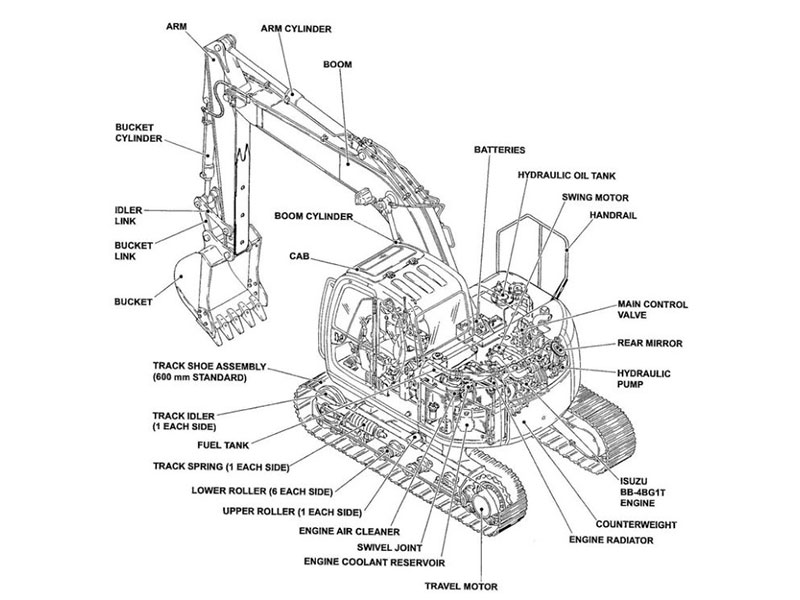
An exploded view helps distinguish items and their relative positions in an assembly. It does not necessarily show a safe disassembly or reassembly sequence. Use applicable service instructions for repair work.
Callout numbers do the linking work. Each piece carries a small number with a leader line that points to the exact spot. That number is your bridge to the parts list. Assembly groups keep the page organized. A swing drive, for example, may split into housing, gearing, and brake sections, each with its own callout run. Common visual conventions help too. Dashed lines often mark hidden or internal pieces. Section cuts reveal what sits inside a casting. Study these diagrams before you order anything.
Matching Callouts to the Parts List
Say you need a hydraulic fitting on the main control valve. Find the valve group in the catalog, then spot the fitting on the drawing. Note its callout number, say 14. Now flip to the matching list page for that group. Scan the number column until you hit 14.
Match the callout to its list entry and verify description, quantity basis, ordering reference and applicability. If the drawing, description or installed component disagrees, obtain clarification before ordering. These checks reduce risk but do not guarantee fitment.
Reading the Parts List
Part Numbers and Descriptions
The parts list is a table, and each row tells a story. The number column holds the oem part numbers. The description column tells you what the piece is and where it goes. A quantity column follows, and it matters more than most readers think. One callout can call for four bolts, not one.
Watch for the notes column too. Notes flag serial number breaks, superseded numbers, and kit contents. A note can change which part is correct for your build. Read every line before you write anything down. Good part numbers and descriptions together give you accurate part identification, and that saves you a return.
Serial Numbers and Variants
One drawing can serve several builds, so the same callout may point to different parts. Volvo splits coverage into serial number ranges, and each range gets its own list entries. That is why you must confirm your machine’s serial number before you pick a row.
Locate machine identification using the applicable operator documentation. Record the complete model and machine serial number, keeping component numbers separately labeled. Check the catalog’s actual coverage, serial-range and option notes before selecting a list entry.
Using the catalog this way keeps you honest. Check the machine model against the cover, then check the serial range against your plate. Compare the diagrams to the list one more time. A quick plate check beats a wrong order every time.
Identifying and Ordering Parts
Step-by-Step Identification
Use the same steps every time you need a part. This habit helps you identify parts correctly and keeps returns low.
Find the assembly in the catalog. Use the group index or the product plate keys to get to the right page.
Find the callout on the exploded diagrams. Write down the number and the piece it points to.
Match that callout to the parts list entry. Read the description, quantity, and oem part numbers.
Check serial number compatibility. Compare your plate to the range printed on the page.
Confirm the part number before you order. Read it back against the page one more time.
A match you are unsure about deserves a second look. Compare part numbers and diagrams side by side. Check a second page or a second source. Call your supplier with the machine model and serial number in hand. Good parts ordering rewards patience.
Avoiding Ordering Mistakes
Most wrong orders come from a few habits. Ordering by description alone tops the list. “Filter” or “hose” fits many builds, so always lead with the number. Ignoring quantity is another common slip. One callout may call for several pieces, and the list tells you how many.
Missing variant notes causes trouble too. A note can change which part fits your build. Read every line before you write anything down. Cross-check your order against the diagram and the list before you submit it. Confirm the assembly, the callout, and the serial range one final time. That final pass supports accurate parts ordering and the accurate ordering of parts on every future job. Use these diagrams and this catalog to identify and order parts with confidence.
You now know where to find the documents. Official paperwork and trusted specialists who offer parts catalog manuals both provide them. The diagrams and the numbered list work best as a pair. Read them together, and you get the full picture.
Use the diagram callout, list entry and applicability information together. Confirm current references and installed-component details before ordering, and retain the supporting records.
FAQ
Where do I get the parts book for my machine?
Start with the paperwork that came with your excavator. If it’s missing, contact an authorized Volvo dealer with your model and serial number. Trusted aftermarket specialists also offer PDF manuals you can download and save.
How do I read the callout numbers on the diagrams?
Each piece on an exploded view carries a small number with a leader line. That number points to one row in the parts list. Find the same number in the list column, then confirm the description, quantity, and part number all agree.
Why does my serial number matter so much?
One drawing can cover several builds. The catalog splits coverage into serial number ranges, and each range gets its own list entries. Check your plate against the range printed on the page before you pick a row.
What’s the most common ordering mistake?
Ordering by description alone. A word like “hose” fits many builds, so always lead with the part number. Also check quantity and read the notes column, since a note can change which part fits your machine.
Can I use these diagrams for repair work?
Treat them as identification tools, not service instructions. They show how pieces fit together and what to order. For torque values, procedures, and safety steps, use the service manual for your machine.
For Volvo excavator parts sourcing, consider YNF Machinery. Provide full machine and component identification, applicable part numbers and quantities, and request supported compatibility information, an actual quotation and written warranty and return terms before ordering.