How to Match Used JCB Excavator Parts to Your Machine Model and Serial Number
Finding a used component is only the first step. Before you order, identify the complete machine, confirm the exact component reference, and verify that the part belongs to the correct configuration and serial range. A similar appearance or a shared brand name does not establish fitment.
Use the checklist below to document what you know, what still needs confirmation, and which records support the match. It applies to mechanical, hydraulic, electrical, and undercarriage components, with the inspection tailored to the part itself.
Key Takeaways
Record the complete model and serial or PIN from the machine identification plate and check it against applicable parts documentation.
Match the used component’s full part number and configuration; do not rely on a partial number or appearance alone.
Compare interfaces and dimensions only with reliable specifications for the exact application.
Ask for part-specific condition details, included pieces, and written terms before finalizing an order.
1. Record the Machine Details
Start at the machine you are repairing. Copy the model designation and serial number or PIN exactly as displayed on its identification plate. Include letters, separators, and suffixes. If the plate is damaged or difficult to read, check the machine’s records and confirm the identification through documentation that applies to its configuration.
Do not shorten the serial number when checking parts information. A model name can cover multiple revisions, and a serial break may change the applicable component. Keep a photo or written record for your own reference, but do not treat a photo alone as proof of a part’s history or condition.
If you are identifying a removed component, record any number or label that remains legible. Note where it was installed and the machine it came from, if that information is documented. Treat the donor machine details as an additional clue, not a substitute for checking the part against your own machine.
2. Confirm the Component Number
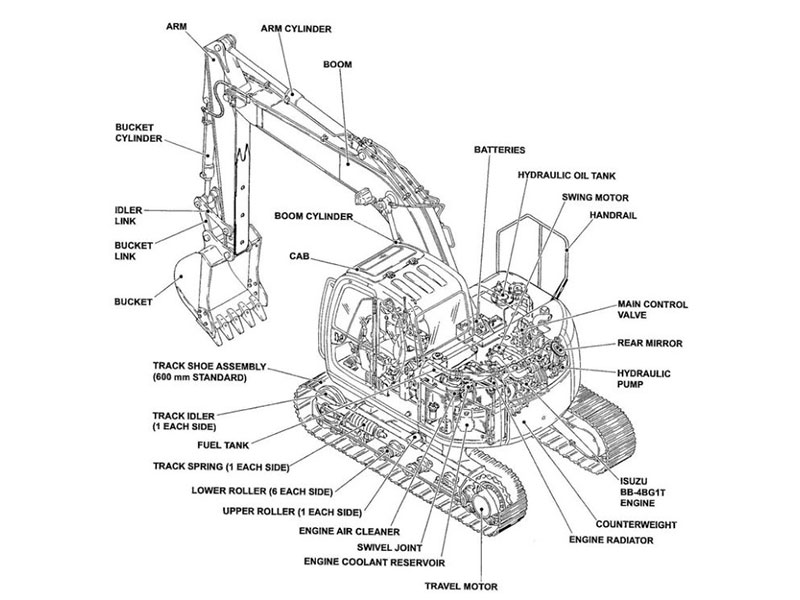
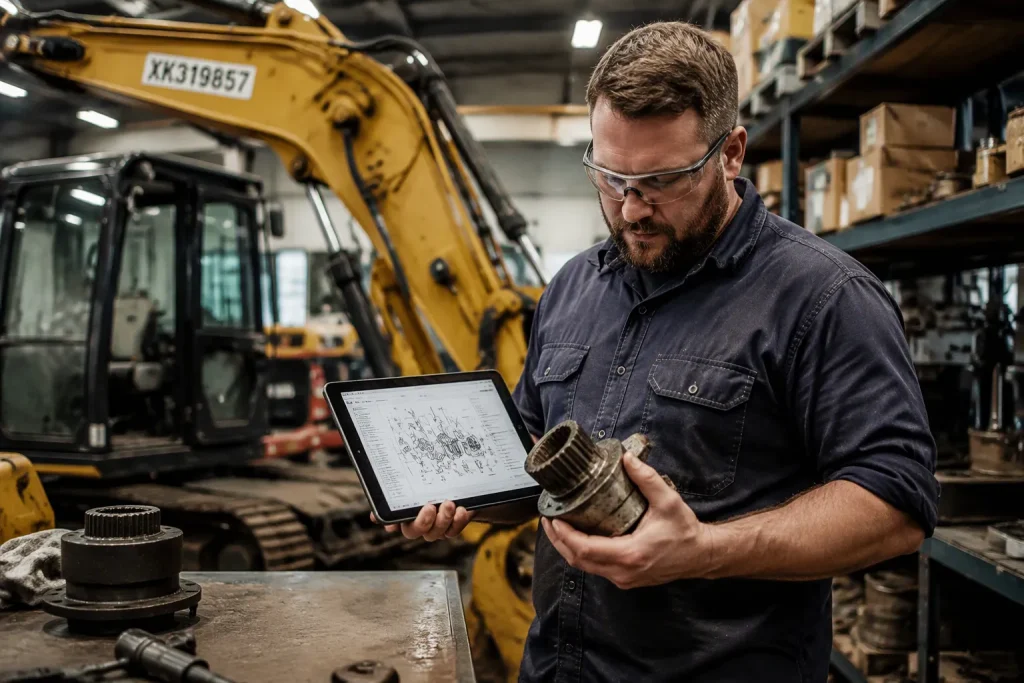
Use the parts documentation for the exact machine model and serial range to identify the component. Locate the relevant assembly illustration or parts list, then compare the item description and reference with the component you need. Check the entire number, including letters, punctuation, and suffixes. A partial match may point to a different assembly or revision.
If the number on the used component differs from the reference in your documentation, pause before assuming the parts are interchangeable. A replacement or superseded number should be supported by a document that connects the old and current references for the applicable serial range. Record that source with your notes.
When a label is missing or unreadable, gather other identifiers: casting marks, connector type, mounting pattern, dimensions, and the component’s position in the assembly. These details can narrow the search, but they cannot independently establish compatibility. Confirm the final identification against the applicable parts reference.
3. Compare Configuration and Interfaces
A correct part number is the strongest starting point. Also compare the features that connect the part to the machine: mounting points, port arrangement, shaft or spline form, electrical connectors, orientation, and included subcomponents as relevant to that part category.
Use measurements only when you have a reliable reference for the exact application. Measure corresponding surfaces in the same way and note units. For a pin or bushing, this may include diameter, length, and locating features. For a hydraulic component, compare the mounting face, port layout, and documented configuration. For an electrical item, compare connector keying and listed specifications. Do not infer fit from approximate measurements or a photograph.
Keep the inspection specific to the item. Look for visible damage, corrosion, cracks, deformation, missing connections, or evidence of repair where those checks apply. Ask for suitable test records for components that require functional testing. A clean exterior does not prove internal condition, and an operating machine does not by itself establish the history of a removed component.
4. Document Condition and Included Items
Before purchase, make a written checklist of what is being supplied. Confirm whether the part includes brackets, sensors, fasteners, seals, hoses, wiring, or other pieces required for installation. Do not assume accessories are included because they appear in a general product description or a photo.
Request clear, current images of the actual component from relevant angles, including its identification marks and connection points. For assemblies with hidden or internal wear, ask what inspection or test was performed and whether a record is available. Match each record to the specific component being considered.
Write down the stated condition, known repairs, missing pieces, test results, and any limits on the information available. Keep the agreed part number and machine application with the order paperwork. Clear records make it easier to resolve a mismatch if one is discovered later.
5. Confirm the Match in Writing
Before completing the order, compare your notes one final time: machine model, complete serial/PIN, component number, application reference, configuration, condition, and included items. Ask for written confirmation of any supersession or cross-reference and the documentation that supports it. Keep the response with your records.
If an essential detail is missing or conflicts with the parts documentation, stop and resolve the discrepancy first. Do not rely on a broad statement such as “fits JCB excavators.” Compatibility should be tied to the exact machine and component evidence. This careful check helps avoid ordering a part that looks similar but does not match your setup.
FAQ
What information should I have before searching for a used JCB excavator part?
Have the complete machine model and serial/PIN, the component location or assembly, and the part number from documentation for that serial range. If the number is unavailable, collect the component’s markings and interface details, then verify the identification before ordering.
Can two parts that look the same be interchangeable?
Appearance alone is not enough. Differences in mounting, ports, connectors, dimensions, or revision may affect fit. Confirm the full reference and configuration against documentation for your exact machine.
What if the number on the used part differs from my parts list?
Do not assume it is a valid replacement. Request documentation linking the two numbers and confirming the applicable model and serial range. Keep the reference with your purchase records.
What should I check on a used component?
Use checks that suit the component: identification marks, visible damage, interfaces, missing pieces, and appropriate test records. A photograph can show external details, but it cannot prove internal condition or performance.
What details should be written into the order record?
Record the machine model and serial/PIN, component number, documented application, condition, included pieces, any test information, and the agreed terms. This gives both sides a clear record of what was matched and supplied.
For help identifying used JCB excavator parts and checking component details for your machine, contact YNF Machinery.