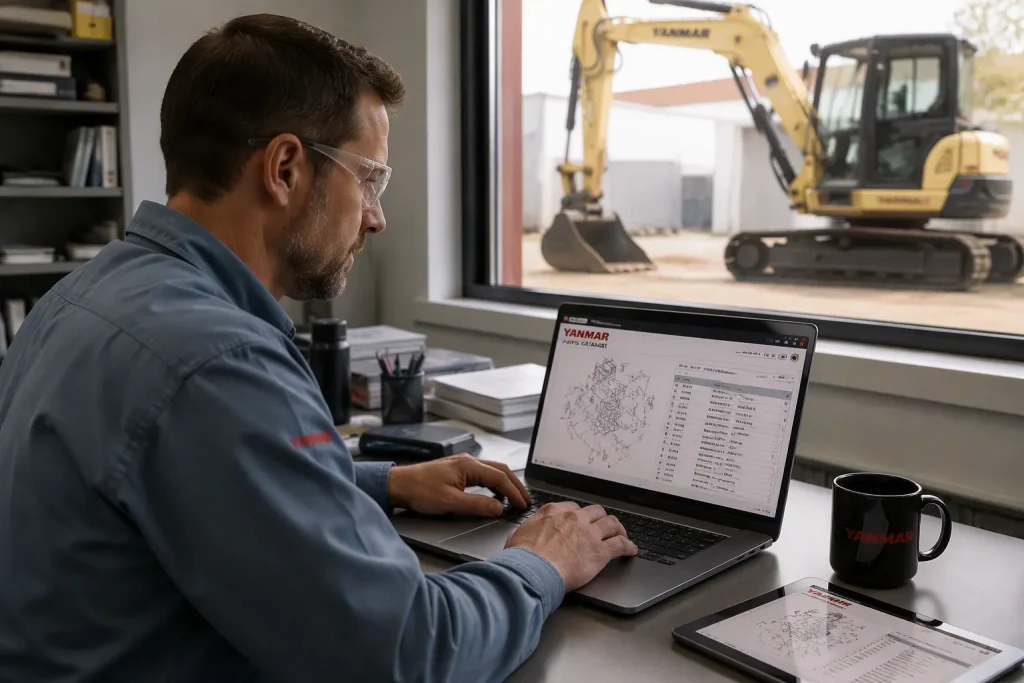
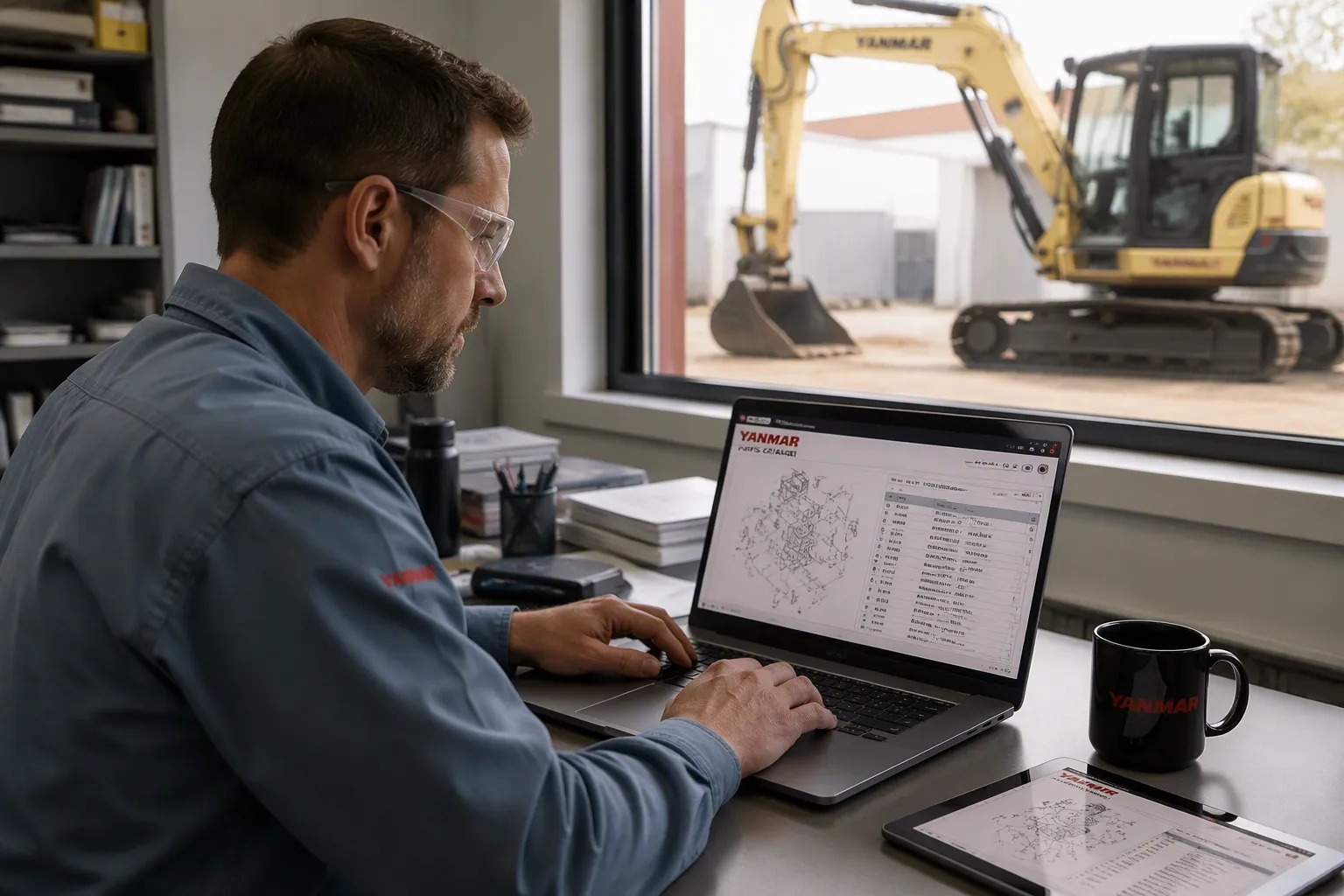
To find the correct Yanmar excavator parts catalog, start at the official Yanmar website. Have your machine’s model and serial number ready. This guide shows the safest ways to locate genuine Yanmar parts and manuals. You will learn how to use official websites and contact authorized dealers. You will also learn about common mistakes that waste time. The process to obtain a Yanmar excavator parts catalog is simple when you know what to prepare. First, gather your excavator details, then follow the steps in this guide. You can avoid downloading wrong manuals or unsafe files. The official website is your most reliable source. Your dealer can access current parts databases. Keep your serial number ready because this small step makes every search faster and safer.
Key Takeaways
Begin your search on the official Yanmar website to find the most precise parts catalog.
Make sure you have your excavator’s model and serial number ready before you start.
If the website does not have your manual, contact an authorized Yanmar dealer.
Check part numbers on the official site to confirm any third-party manual.
Avoid unsafe downloads from random forums or peer-to-peer networks.
Official Yanmar Excavator Parts Catalog Access
The official Yanmar website is the best place to find parts info. Before you start, you need two things: your machine model number and its serial number. The model number looks like ViO50-6B. The serial number is a longer mix of numbers and letters. You can find both on a metal plate on your excavator frame. This plate is usually near the operator’s seat or on the side of the main body. Keep these numbers close because every step depends on them. Without these details, you cannot find the right documents.
Navigating the Yanmar Parts Portal
Yanmar offers two main web pages for parts info. The first address is yanmar.com/eu/construction/parts/. This page has genuine parts data for Europe. The second address is yanmar.com/global/support/catalogs/construction.html. This global page has downloadable catalogs and manuals for Yanmar construction gear. Always start on the official Yanmar site for the best results.
When you visit either page, you see a clean search box that is easy to use. You pick “Construction Equipment” from a dropdown menu. Then you type your model number into the search field. The system checks your model against its database. It shows a list of available documents for that machine. You see options for operation manuals, service manuals, and parts catalogs. Each entry has a title, a date, and a file size. The titles show which version fits which serial number range. You can sort the list by date to see the newest files first. The global page often has more complete collections. You find older models there along with current ones. The Europe page often has the newest updates first. You can check both pages to get the fullest set of manuals for your machine. Some manuals show up on one page but not the other. Checking both spots gives you the best shot at finding every document you need.
Downloading the Correct PDF Manual
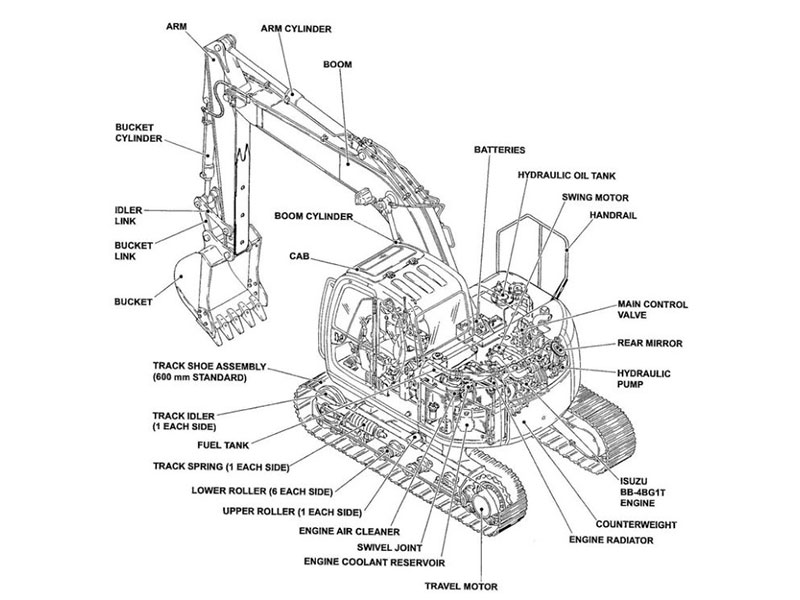
Once you see the list of documents, look for the Yanmar excavator parts catalog entry. The title usually has your model number. It also has a date or revision number. You want the newest version for your exact serial number range. This Yanmar excavator parts catalog covers every part on your machine. Its layout follows the machine’s physical setup. You see engine parts first, then hydraulic systems, then undercarriage parts.
Click the download link next to the right entry. The file downloads as a PDF. A real Yanmar excavator parts manual is a big file with many pages. You need a PDF reader to open it. Save the file to a folder on your computer where you can find it later. This Yanmar excavator parts manual has diagrams for every system. The manual also has a table of contents and an index. These tools help you move quickly when you need a specific part. You can bookmark pages in your PDF reader for even faster access to sections you use often.
The Yanmar excavator parts manual shows exploded views of each machine system. Each diagram has labeled parts with reference numbers. A matching list gives the part number, description, and quantity for each part. You use this info when ordering replacement parts from your dealer or authorized dealers. The manual also shows assembly order. This helps you see how parts fit together.
Check the manual’s date against your machine’s year. An older manual might miss updates for later production changes. You can check the manual’s accuracy by looking up one or two part numbers on the website. If the numbers match, you have the right document. These manuals cover every part of your machine. They are your full guide for any parts ordering job.
Contacting Authorized Yanmar Dealers
Sometimes the official website does not have the manual you need. Older models or rare setups may not show up in the online database. In these cases, authorized dealers become your best option. Dealers can reach the most current parts databases in the industry. They can pull up documents that never appear on the public website. They also get updates about new revisions and replaced part numbers. This makes them a strong helper in your search for the right paperwork.
Using the Dealer Locator Tool
Yanmar offers a dealer locator tool on its main website. You can find this tool without searching through menus. Look for the “Dealer Locator” link in the main navigation bar. Click it, and the site asks for your location. You enter your zip code or city name. The tool then shows a list of nearby authorized dealers. Each listing includes the dealer’s address, phone number, and email. Some listings also show business hours and directions.
Choose the closest dealer or the one with the best reviews. Call them during business hours for the fastest response. Email works well if you prefer written communication. When you reach out, introduce yourself and state your machine’s model number right away. This saves time and shows the dealer you know what you need. The dealer can then check their system while you stay on the line.
When you contact the dealer, provide the serial number along with your model name. The dealer uses this information to pull the correct manual from their system.
You need two key pieces of data: the model number and the serial number. The model number identifies the machine family. The serial number pinpoints your exact unit within that family. Yanmar made changes during production runs. A machine built in 2015 may use different parts than one built in 2018. The serial number tells the dealer which version you own. Without it, you might receive a manual for the wrong setup.
Requesting a Yanmar Excavator Parts Manual
Once you connect with a dealer, explain that you need a yanmar excavator parts manual. Be specific about what you want. State that you need the parts catalog, not the service manual or operator’s guide. These documents serve different purposes. The parts catalog shows exploded diagrams and part numbers. The service manual explains repair steps. The operator’s guide covers daily use. Each document has its own value, but you want the parts version.
Should a repair be required, it’s also important for engine owners and repair professionals to purchase the correct genuine parts. To do that, they must know the given engine’s serial number and the model number.
The dealer will ask for your serial number again. This step matters because Yanmar produces many variations of each model. The dealer enters your serial number into their database. Their system then displays the exact yanmar excavator parts catalog for your machine. This catalog matches every component on your specific unit. You can request a digital copy or a printed version. Many dealers email a PDF within a day. Some can print and bind a physical copy for a small fee.
Dealers also offer something the website cannot provide. They can tell you which parts have been updated or discontinued. They know about factory recalls and service bulletins. They can cross-reference old part numbers with new ones. This extra knowledge helps you avoid ordering outdated parts. The dealer becomes your ongoing resource for every future parts question.
Keep the dealer’s contact information after your first interaction. You will likely need their help again. Every excavator owner eventually faces a parts question. Having a trusted dealer on speed dial makes the process smoother. The relationship you build today will serve you for years.
Exploring Trusted Third-Party Sources

When the official Yanmar site and your local dealer can’t give you the document you need, third-party platforms offer another way. Sites like Scribd have user-uploaded PDFs for specific models. You can find a ViO50-6B parts catalog there in minutes. These platforms work like digital libraries. Users share documents they own or have scanned. The selection often includes older models that no longer show up on official pages. This makes them a useful backup option for your search.
Vetting Online Parts Databases
You must be careful with these platforms. Anyone can upload a file, and not every upload is correct. Before you download anything, check the model number on the file title. Make sure it matches your machine exactly. A ViO50-6B manual won’t help if you own a ViO50-2. Check the publication date too. Older manuals may miss important updates. Yanmar changes parts during production runs. A manual from 2010 might not show parts used in a 2015 machine.
Look at the uploader’s profile when you can. Users who often post construction equipment manuals tend to share reliable files. Read comments or ratings from others who downloaded the same document. Their feedback often shows problems with the file. You should also check the file size before downloading. A real Yanmar excavator parts manual is a large PDF with many pages. A file that looks too small likely has only a few pages or a preview.
Cross-Referencing Part Numbers for Accuracy
After you download a third-party manual, check its accuracy before you order any parts. Open the official Yanmar parts portal in another browser tab. Look up a few part numbers from the third-party PDF. Compare those numbers with what shows on the official site. If the numbers match, the manual is likely correct. If they differ, the file may be outdated or wrong.
Choose three or four parts from different systems on your excavator. Check an engine part, a hydraulic fitting, and an undercarriage part. This mix gives you confidence that the whole manual matches your machine. You can also check the manual against your dealer’s database. A quick phone call with your serial number confirms whether the document you found is current. This extra step takes little time and stops costly ordering mistakes.
Keep in mind that third-party manuals are a helpful reference, but the official Yanmar excavator parts catalog stays your most reliable source for accurate information.
Avoiding Scams and Incorrect Manuals
The internet has many places to find a Yanmar excavator parts manual. But not every source is safe. Random forums and peer-to-peer networks have serious risks. Users on these sites can upload anything they want. They might share a file that has malware. They might also share a manual for a different machine. You could download a document that looks right at first. Then you find out it covers the wrong model or an old version. These mistakes waste your time and money. You might order the wrong parts from bad information. You might also put your computer’s security at risk. Stay away from these unregulated sources completely. Stick with official websites, authorized dealers, and trusted document-sharing sites.
Red Flags on File-Sharing Sites
Several warning signs should stop you from downloading a file. Check the file size before you click anything. A real Yanmar excavator parts manual is a large PDF with many pages. It usually has 50 or more pages of diagrams and part lists. A file that is only a few megabytes likely holds just a preview or part of the document. Look at the page count when you can. If the listing says 10 pages, that file cannot be a full parts catalog. Trust your instincts here. If the file seems too small, it probably lacks the detail you need.
If a site asks for too much personal info or payment for a “free” manual, it is likely a scam.
Trustworthy sources do not need your full name, address, and phone number just to share a PDF. They also do not charge fees for documents that Yanmar gives away for free. Leave any site that asks for this data. Also watch for sites that promise instant downloads but send you through many pages. These detours often lead to survey scams or unwanted software installs.
Verifying File Authenticity
After you download a manual from any third-party source, check its accuracy before you order parts. Open the official Yanmar parts portal in another browser tab. Look up several part numbers from the downloaded document. Compare those numbers with what shows on the official site. If they match, the manual is likely correct. If they differ, delete the file and find another source.
You can also call your dealer to confirm. A quick phone call with your serial number helps you see if the document is current. Dealers access databases that show the latest updates. They can tell you if a part number has changed or been stopped. This check takes only a few minutes. It stops costly mistakes when you order replacement parts for your excavator. Keep in mind that third-party manuals are helpful references. But the official Yanmar excavator parts manual remains your most trusted source for correct info.
Start with the official yanmar website for the most accurate yanmar excavator parts manual. This official yanmar source gives you the best file. If that fails, contact authorized dealers. Your yanmar dealer can access current yanmar manuals. The yanmar dealer will need your serial number. Third-party site manuals need careful verification. Your model and serial number remain the key to success. Always save your yanmar excavator parts manual PDF to a dedicated folder. This yanmar document helps you order parts later. YNF Machinery offers reliable yanmar parts for your equipment. Keep your yanmar manuals in one place for future reference.
FAQ
What do I need before searching for a Yanmar excavator catalog?
You need your machine’s model number and serial number. Find these on the metal plate mounted on your excavator frame. This information ensures you get the correct manual for your specific unit.
Can I use third-party websites for Yanmar parts manuals?
Yes, but verify the file carefully. Check the model number, publication date, and file size. Cross-reference a few part numbers on the official Yanmar site. This confirms the manual’s accuracy before you order components.
How do I verify downloaded parts manuals are correct?
Open the official Yanmar portal. Look up several part numbers from your manual. If they match the official site, the document is likely correct. You can also ask your dealer to confirm these numbers.
What if I cannot find the manual on the official Yanmar website?
Contact authorized dealers. They have access to the most current databases. Provide your model and serial number. Your dealer can pull up the exact manual for your machine.
Why is the serial number so important for manuals?
Yanmar makes changes during production runs. Two machines with the same model name may use different components. The serial number tells the database which version you own. This ensures you get the correct manual.