When used Hitachi excavator parts are for sale, check fitment and condition against the machine that needs repair. A listing, photo, or broad model description cannot establish that a component is correct for your configuration.
Before comparing a part, record the complete machine model and serial number or PIN. Verify the component reference in documentation for that serial range, then inspect the actual item and confirm in writing what is included and what condition information is available.
Key Takeaways
Use the full model and serial/PIN to find parts information for the receiving machine.
Match the full component number, revision, and configuration; visual similarity is not proof.
Inspect the actual part and request relevant test or service records where applicable.
Confirm included pieces, condition, order terms, and any cross-reference in writing.
1. Record the Machine Details
Copy the machine’s full model designation and serial number or PIN from its identification plate or equipment records. Keep every letter, digit, prefix, and suffix. A model family can include different configurations, so a shortened name may lead to the wrong parts list.
Use service or parts documentation that applies to the machine’s serial range. If the plate is damaged or difficult to read, check maintenance and ownership records or ask a qualified service professional to help identify the machine. Do not guess missing characters or rely on generalized serial-number patterns.
If the used component came from a donor machine, note its model and serial as background. The donor information may help document history, but the receiving machine’s documentation must still confirm the application.
2. Verify the Component Number and Configuration
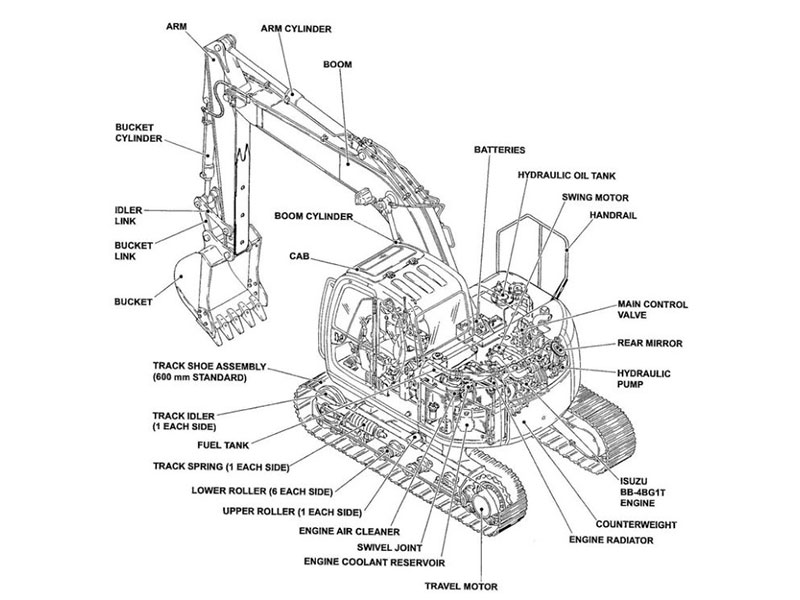
Locate the component in the parts list or illustrated documentation for the identified machine. Record the complete reference, description, assembly location, and suffix. Compare it with readable markings on the used component.
When a reference has changed, request documentation connecting the earlier number to its replacement and confirming that the change applies to the relevant serial range. Similar descriptions, model names, or brand markings alone do not establish interchangeability.
If the label is missing, collect supporting details such as casting marks, mounting layout, port arrangement, connector type, orientation, dimensions, and position in the assembly. Use those details to narrow the identification, then confirm the result using applicable parts information.
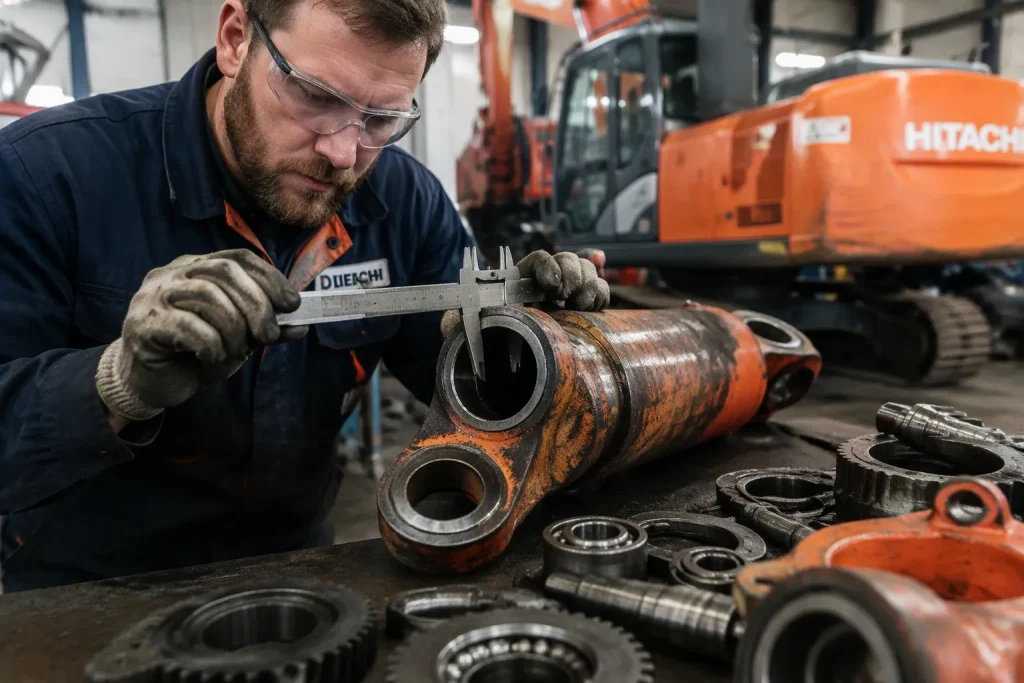
Compare interfaces that matter for the component: mounting points, bolt pattern, ports, shafts or splines, connectors, orientation, and included fittings. Use measurements only when you have specifications for the exact application, and compare matching surfaces in the same units.
3. Inspect Condition and Included Items
Examine the actual item for visible cracks, deformation, corrosion, damaged threads, worn contact surfaces, missing fittings, or signs of repair. Tailor the review to the component type instead of relying on a single checklist for every part.
For components that need functional testing, request test records tied to the specific unit being considered. Check what was tested, when, and what the result covered. A statement that a part worked before removal is not a complete condition history.
Ask what comes with the component. Brackets, sensors, seals, hoses, wiring, fasteners, and other pieces may be separate. Record any missing items, known repairs, inspection limits, and condition notes before deciding whether the package meets your repair scope.
Current photographs can show markings, mounting features, and visible damage. They cannot confirm internal condition or every specification. Use photos as supporting evidence alongside identification, inspection findings, and records for the actual part.
4. Document the Purchase Details
Before proceeding, compare your notes for machine model, serial/PIN, part number, configuration, condition, test information, and included items. Ask for written fitment confirmation tied to those details, including support for any replacement number or cross-reference.
Confirm the agreed price, delivery arrangement, estimated timing, return conditions, and any other order terms in writing. If the shipment crosses a border, verify current order-specific costs and responsibilities with the parties handling that shipment. Do not rely on a general estimate for taxes, duties, or delivery.
Keep the quote, fitment response, condition notes, and order documents together with the machine records. If a number conflicts, an included item is unclear, or an important record is missing, resolve the issue before committing.
FAQ
How do I know if a used Hitachi part fits my excavator?
Match the complete machine model and serial/PIN to parts information for that configuration. Then verify the complete component reference, revision, and interfaces. Ask for written confirmation if a replacement number or cross-reference is involved.
What should I check when a used part has no label?
Use the machine records, assembly location, remaining marks, mounting layout, ports, connectors, and dimensions to narrow down its identity. Confirm the final reference against documentation for the receiving machine before ordering.
Can photos confirm the condition of a used excavator part?
Photos can show external markings and visible damage, but they cannot prove internal condition or function. Review the actual component and request suitable test or service records where applicable.
What details should be included in a written order confirmation?
Include the machine model and serial/PIN, component number, fitment basis, condition, test information, included pieces, delivery arrangement, and return terms. Tie any cross-reference to documentation for the relevant configuration.
Is a broad “fits Hitachi excavators” description enough?
No. It does not identify the machine configuration or serial range. Check the component against documentation for the exact machine and resolve any mismatch before proceeding.